Marketplace
The Marketplace is where Org Admins connect apps to Unity and choose which features the company uses.
Integrations
Marketplace → Integrations has two tabs. Available lists every app Unity can connect to, with what it reads from each. Connected lists the apps you've connected, when each last synced and whether it's healthy.
Every connection is read-only. Depending on the app, you connect by installing an app or approving access (OAuth), granting delegated or cross-account access, or entering a read-only API key. The Integrations and data collection page explains each method.
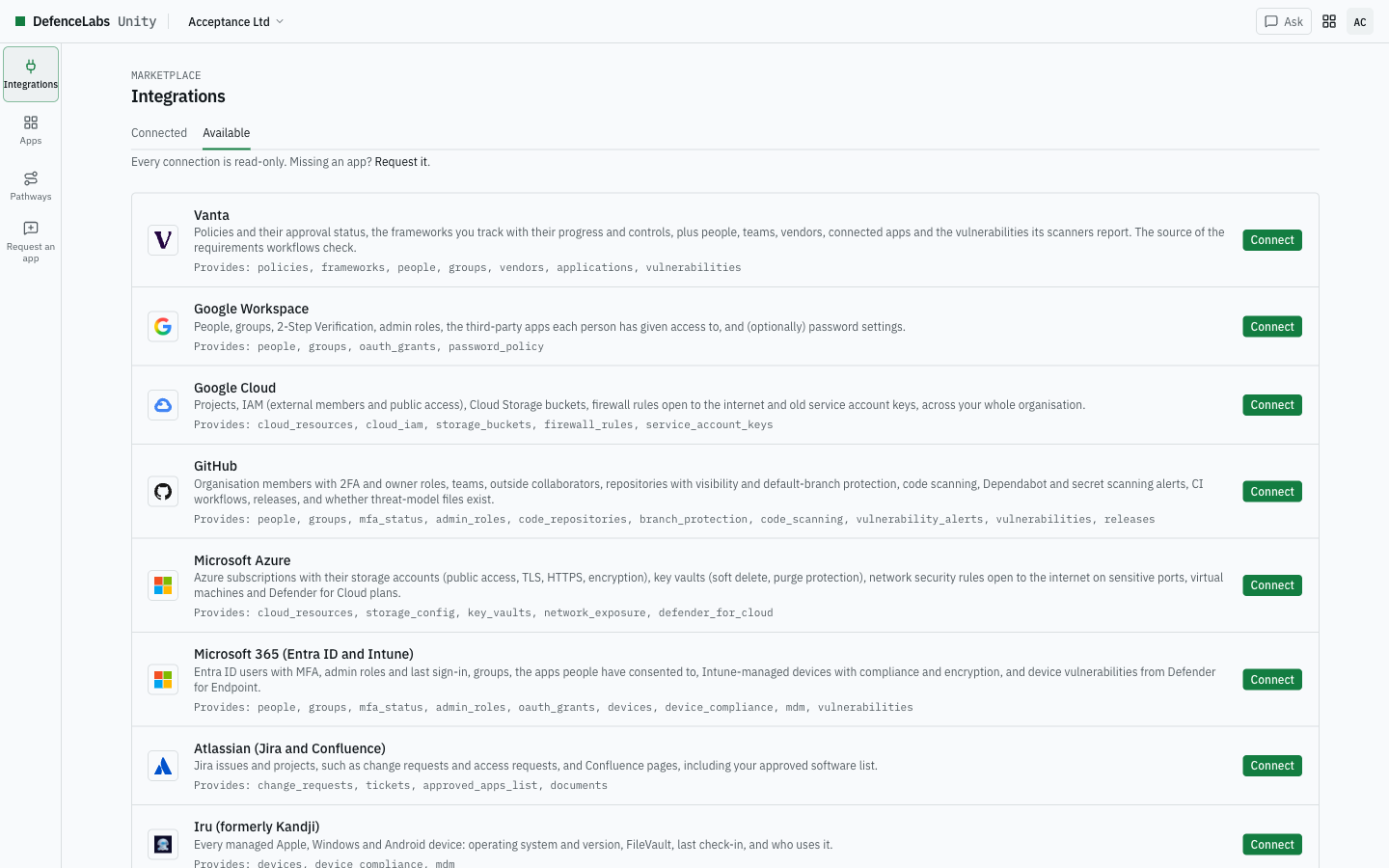
Connected apps sync once a day, straight after you connect them, and whenever you press Sync now. While a sync runs, a small bar at the top right shows its progress. Disconnect deletes the connection, including the credentials Unity holds for it. To revoke access completely, also remove Unity's app or key in the app itself.
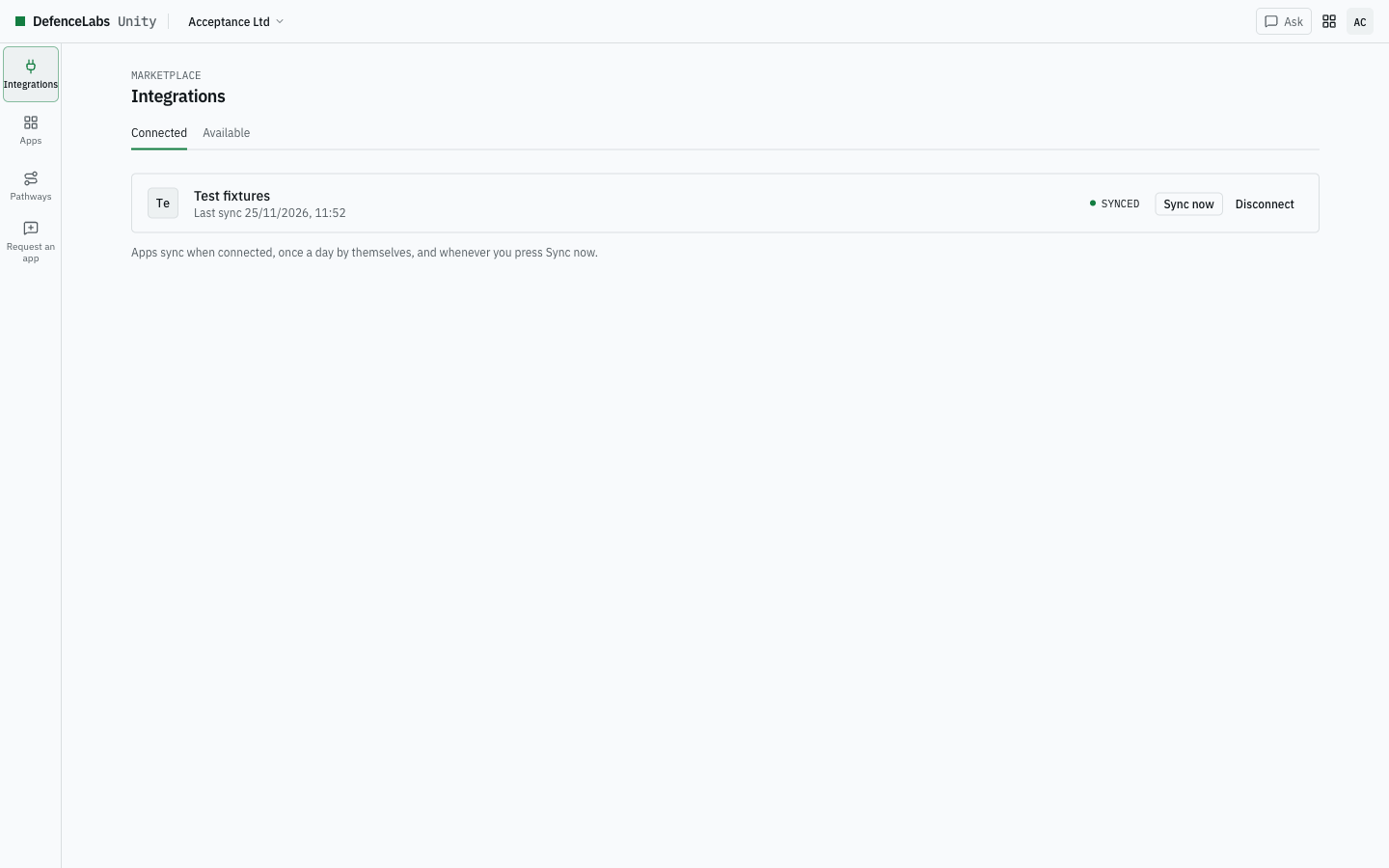
Available apps
| Area | Apps |
|---|---|
| Identity and productivity | Microsoft 365 (Entra ID and Intune), Google Workspace, Slack, Box |
| Cloud | AWS, Microsoft Azure, Google Cloud |
| Code and change | GitHub, Atlassian (Jira and Confluence) |
| Devices | Iru (formerly Kandji), Jamf, Hexnode, Sophos |
| Security and compliance | Vanta, Wiz, Dependency-Track, Harpe |
| IT and network | Freshservice, ServiceNow, Salesforce, UniFi |
Missing an app? Use Request an app to ask for it.
Apps
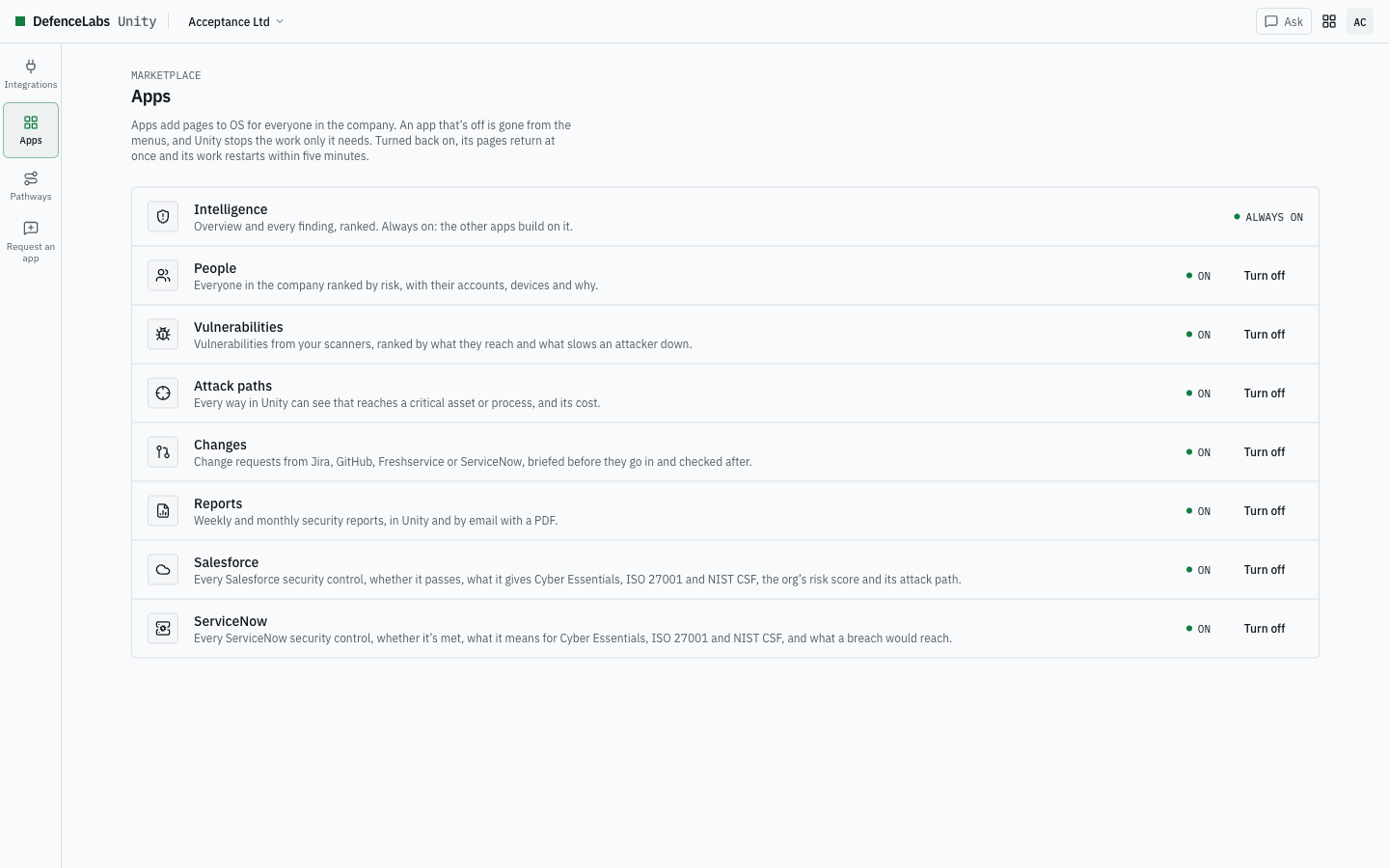
Marketplace → Apps turns pages in the OS section on or off for everyone in the company: People, Vulnerabilities, Attack paths, Changes, Reports and others. Intelligence is always on, because the other apps build on it. When you turn an app off, its pages disappear from the menus and Unity stops the work only that app needs. When you turn it back on, its pages return straight away and its work restarts within five minutes.
Pathways
Pathways are ready-made sets of workflows for a particular compliance goal. When one is available for your company, it appears under Marketplace → Pathways. Turning one on adds its workflows as drafts, which wait in Suggested for approval like any other. Turning it off turns those workflows off.