Ontology
The ontology is what Unity knows about your company: the people, teams, apps, devices, systems, data, suppliers, processes and risks, and how they connect. Every check, attack path and risk score is built on it. You'll find it in the Ontology section.
Objects
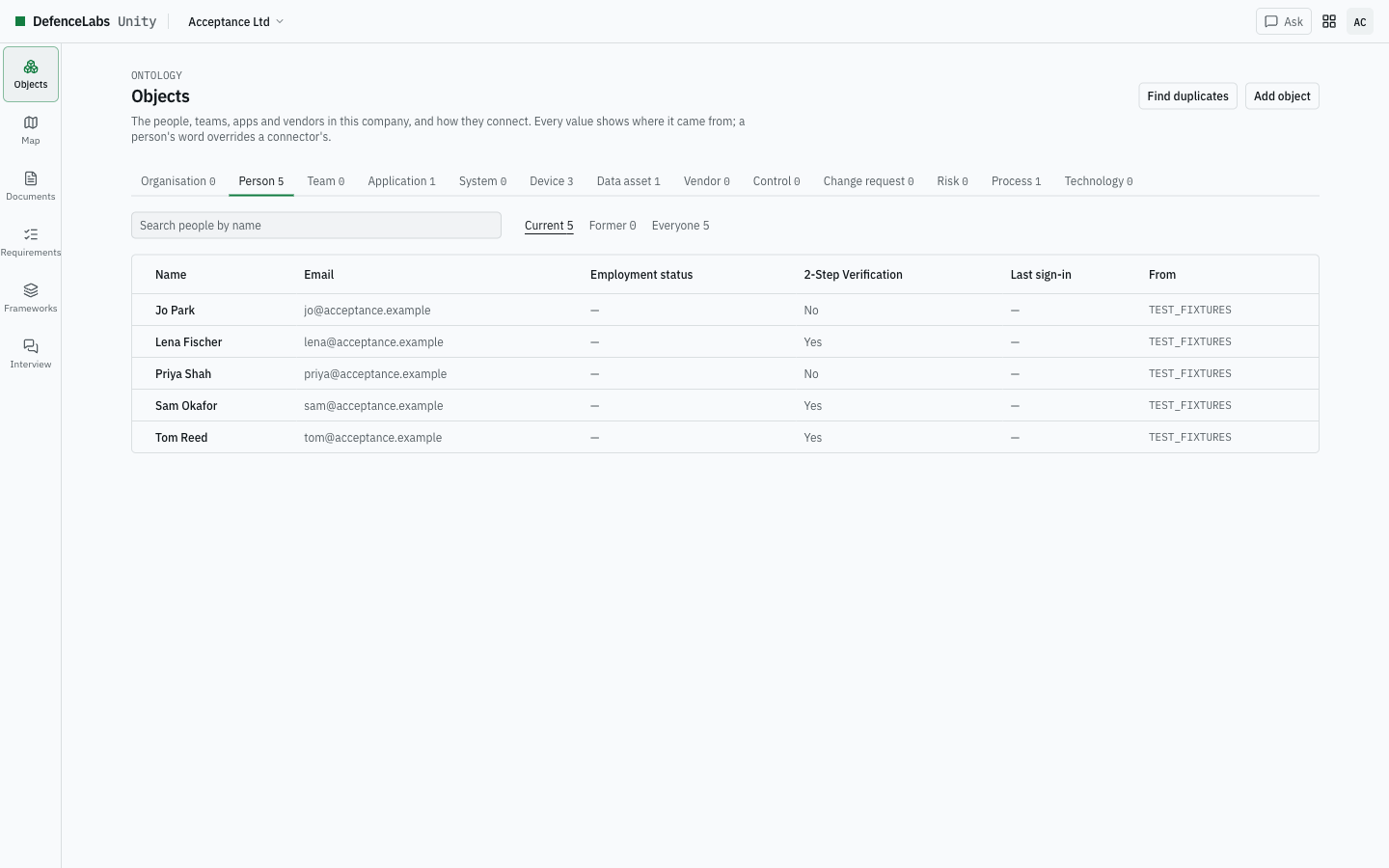
Ontology → Objects lists everything in the ontology, with a tab for each kind of object. Every value shows where it came from, such as Microsoft 365, GitHub or a person's answer in Unity. When a person and a connected app disagree, the person's answer wins.
- Add object adds something no connected app knows about, such as a critical process or a supplier.
- Find duplicates looks for objects that are the same thing under two names, such as one person with accounts in two apps, so you can merge them.
Map
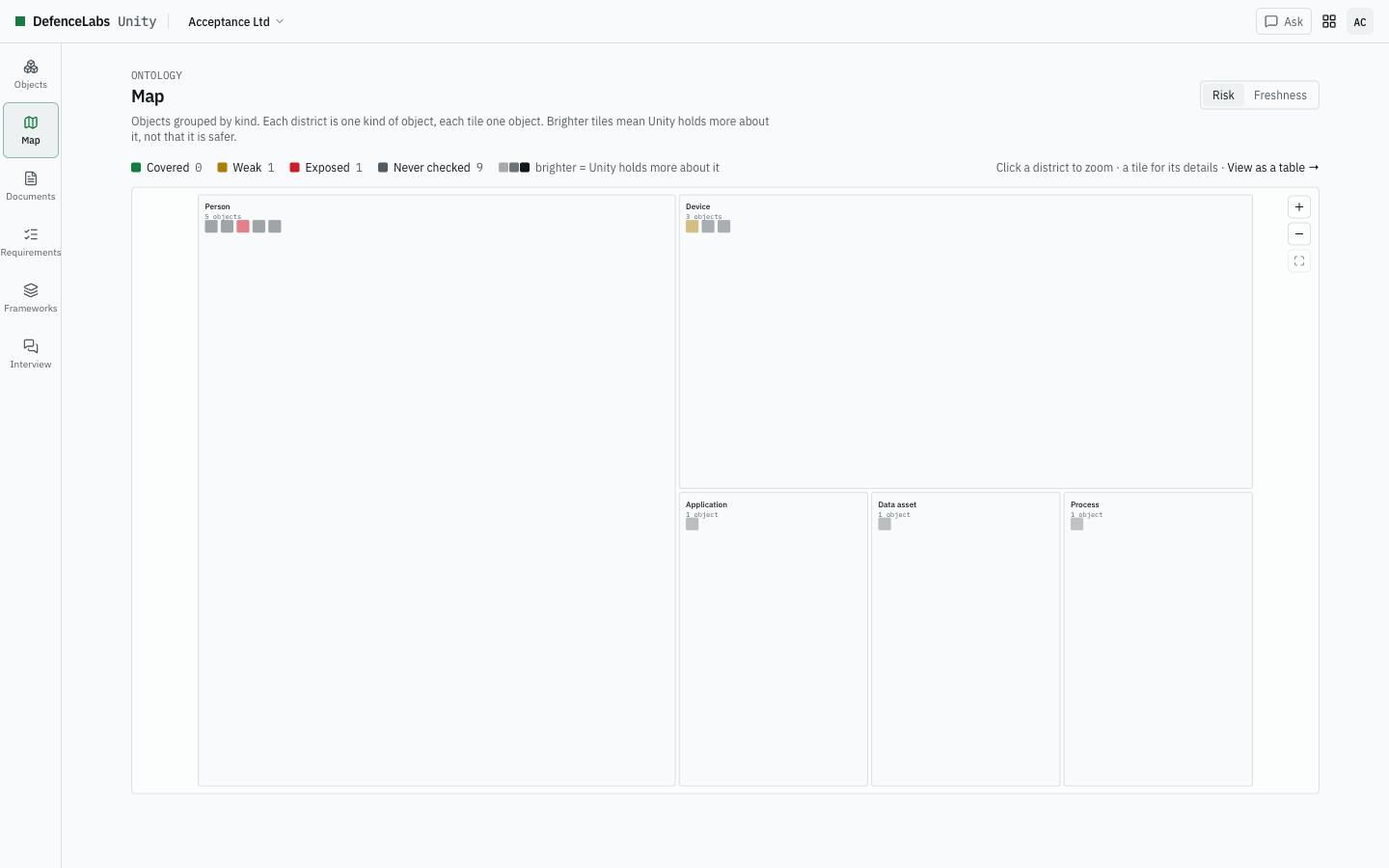
Ontology → Map shows the same objects as tiles, grouped by kind. Switch between Risk and Freshness. A brighter tile means Unity holds more about that object. It doesn't mean the object is safer. Click a group to zoom in, or a tile to see its details.
Documents
Ontology → Documents holds the documents Unity reads requirements from.
- Policies: synced from Vanta, or uploaded. Upload several files at once. Each file updates the policy with the same name, and any file that matches nothing becomes a new policy or procedure. Every document is converted to plain text, which is what the AI reads.
- Contracts: customer contracts. Unity reads them the same way as policies and pulls out the security obligations in them.
- Approved software: the list of apps your company allows. Unity uses it to spot unapproved apps.
Requirements and coverage
Ontology → Requirements lists every obligation the AI pulled out of your policies. Each requirement quotes the sentence it came from, so you can trace it back to the original wording. Your frameworks add a baseline for any control your policies don't address. Testable requirements become workflows. Dismiss any requirement that shouldn't be checked.
The Coverage tab shows where each requirement stands today:
- checked and passing
- checked, with findings open
- not checked lately
- no workflow yet
- checked by hand
Readiness counts the passing requirements out of those a workflow can check. Download CSV exports the table.
Frameworks
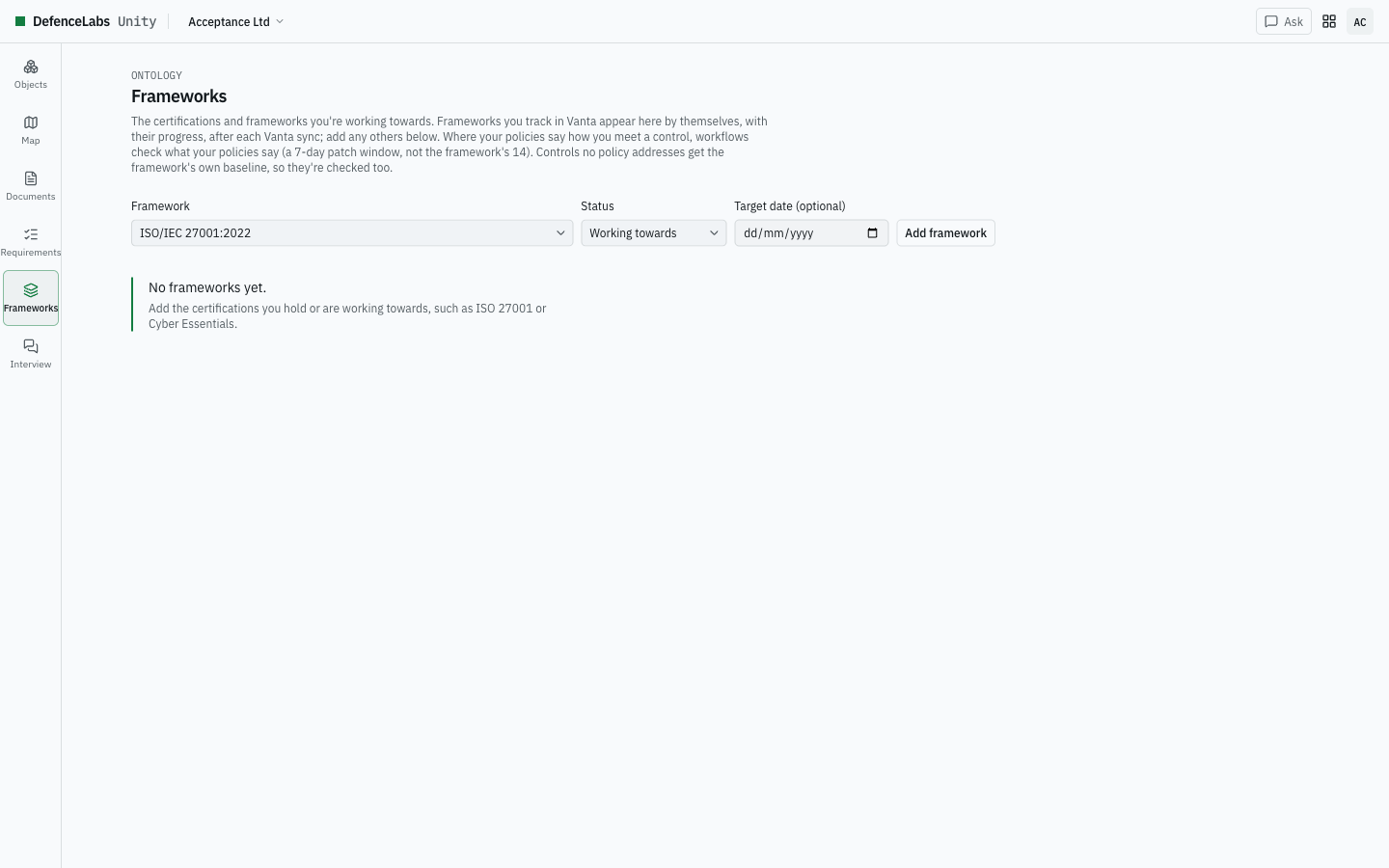
Ontology → Frameworks lists the certifications and frameworks you're working towards, such as ISO 27001, SOC 2, Cyber Essentials, the NHS DSPT, NIST CSF, UK GDPR, PCI DSS, NIS2 and DORA. Frameworks you track in Vanta appear here by themselves after each sync, and you can add others.
Where your policies say how you meet a control, workflows check against your policy rather than the framework's default. For example, if your policy sets a 7-day patch window, Unity checks for 7 days, not the framework's 14.
Interview
Ontology → Interview asks about things Unity can't see in your apps: who owns an app, whether it's approved, where some data is kept. Each answer goes into the ontology, and workflows use it from their next run. Use Find questions to look for new gaps.