People, vulnerabilities and attack paths
These pages sit in the OS section. Each one can be turned on or off for the whole company from Marketplace → Apps.
People
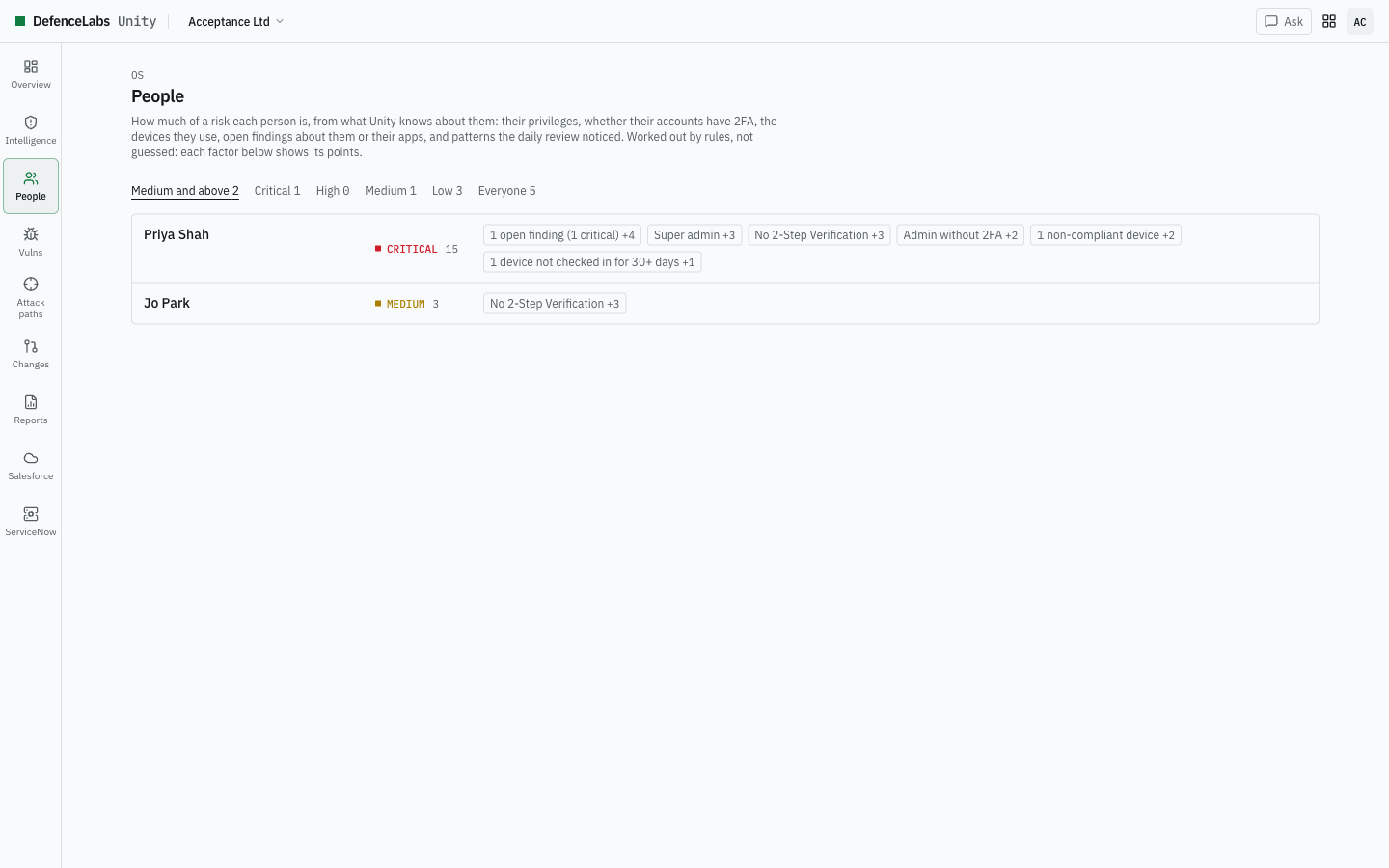
OS → People ranks everyone in the company by risk. The score is worked out by fixed rules, and each factor shows the points it adds, so you can see exactly why someone is high on the list. Factors include:
- open findings about the person or their apps
- admin or super admin rights
- accounts without 2-Step Verification or MFA
- devices that are non-compliant or haven't checked in for 30 days or more
- patterns spotted in Unity's daily review
Filter by risk level, or open a person to see their accounts, devices and findings in one place.
Vulnerabilities
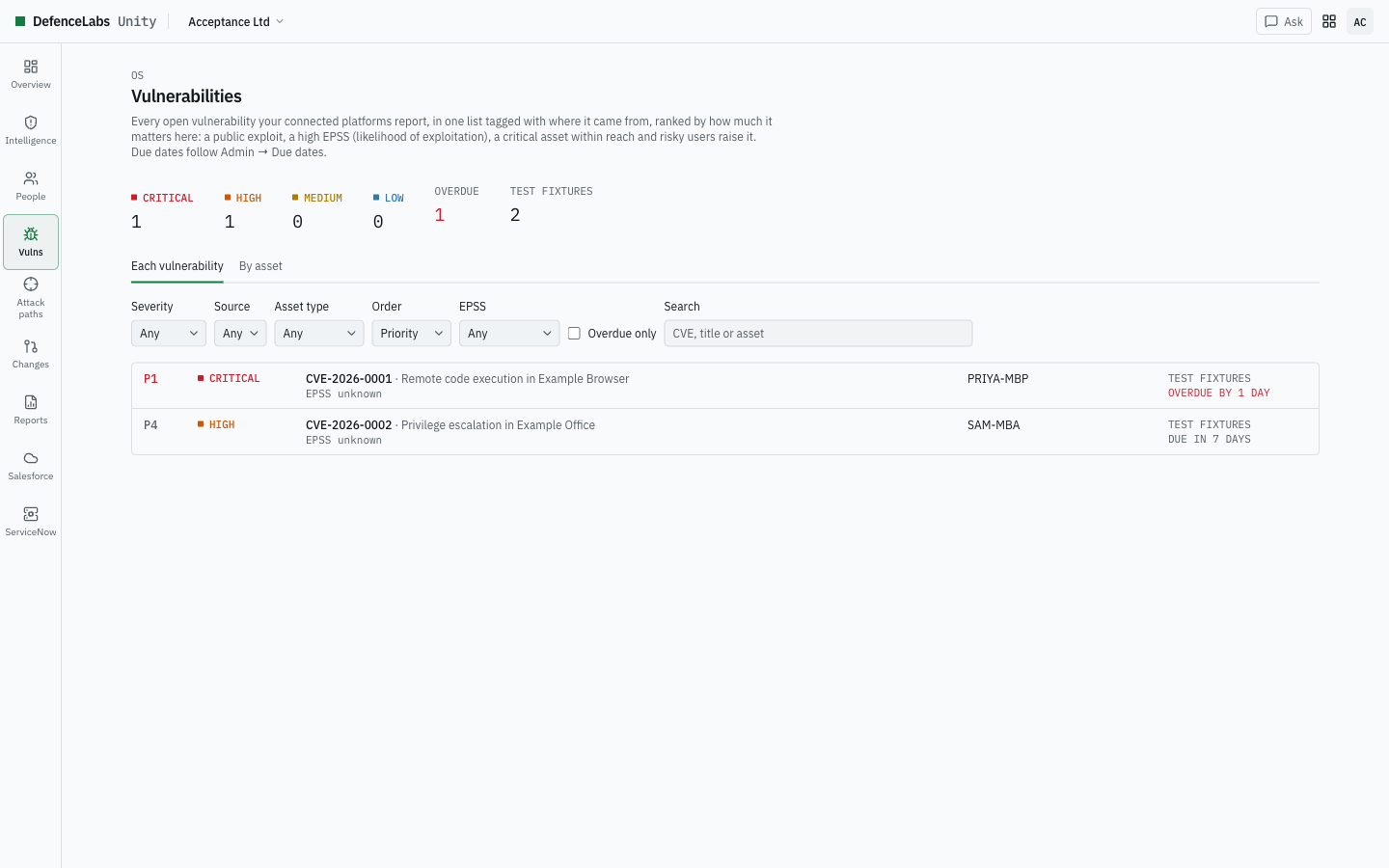
OS → Vulnerabilities gathers every open vulnerability your connected scanners and device tools report into one list, tagged with where each came from. It ranks them by how much they matter in your company, not just by severity. A vulnerability moves up the list when:
- a public exploit exists
- its EPSS score (the likelihood it will be exploited) is high
- a critical asset can be reached from the affected device or system
- the people using the affected device are already high risk
Switch between Each vulnerability and By asset, and filter by severity, source, asset type, EPSS and overdue. Due dates follow the settings in Admin → Due dates, and Admin → Vulnerability priority lets an Org Admin set how much each EPSS band raises a vulnerability's priority.
Attack paths
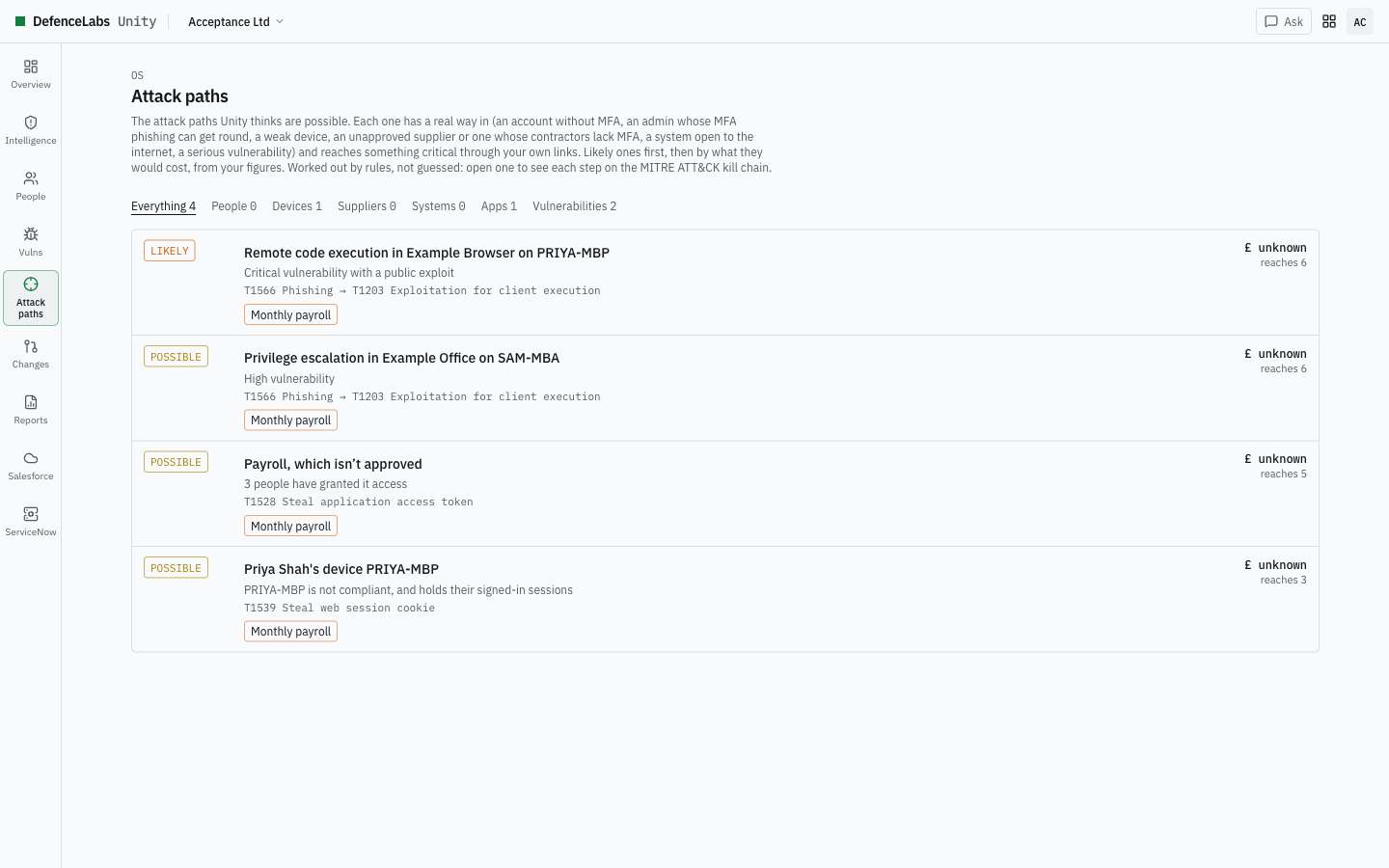
OS → Attack paths shows the routes an attacker could take to reach something critical. Every path starts from a real way in, such as:
- an account without MFA, or an admin whose MFA can be phished
- a weak or non-compliant device
- an unapproved supplier, or one whose contractors lack MFA
- a system open to the internet
- a serious vulnerability
It then follows the links in your ontology to a critical asset or process. Likely paths come first, then the ones that would cost the most, using the figures you've given for each critical asset. Open a path to see each step mapped to the MITRE ATT&CK framework. Like the People scores, attack paths come from fixed rules, not guesses.
Changes
OS → Changes picks up change requests raised in Jira or GitHub. For each one, Unity writes a security brief from what it knows about your company: what the change touches, what else is within reach, the approvals your policies require and what to keep as evidence. You record your decision in Unity, and Unity never writes back to the ticket. After the change closes, Unity checks what actually changed.
To use it, connect Atlassian or GitHub and tell Unity where your change requests live.
Reports
OS → Reports holds a weekly report (Mondays at 08:00, covering the week before) and a monthly report (the 1st at 08:00, covering the month before). Each covers findings opened, resolved and overdue, new vulnerabilities and security alerts, how the checks ran and requirement coverage, with a PDF of everything in it. Choose Email me to receive them by email.